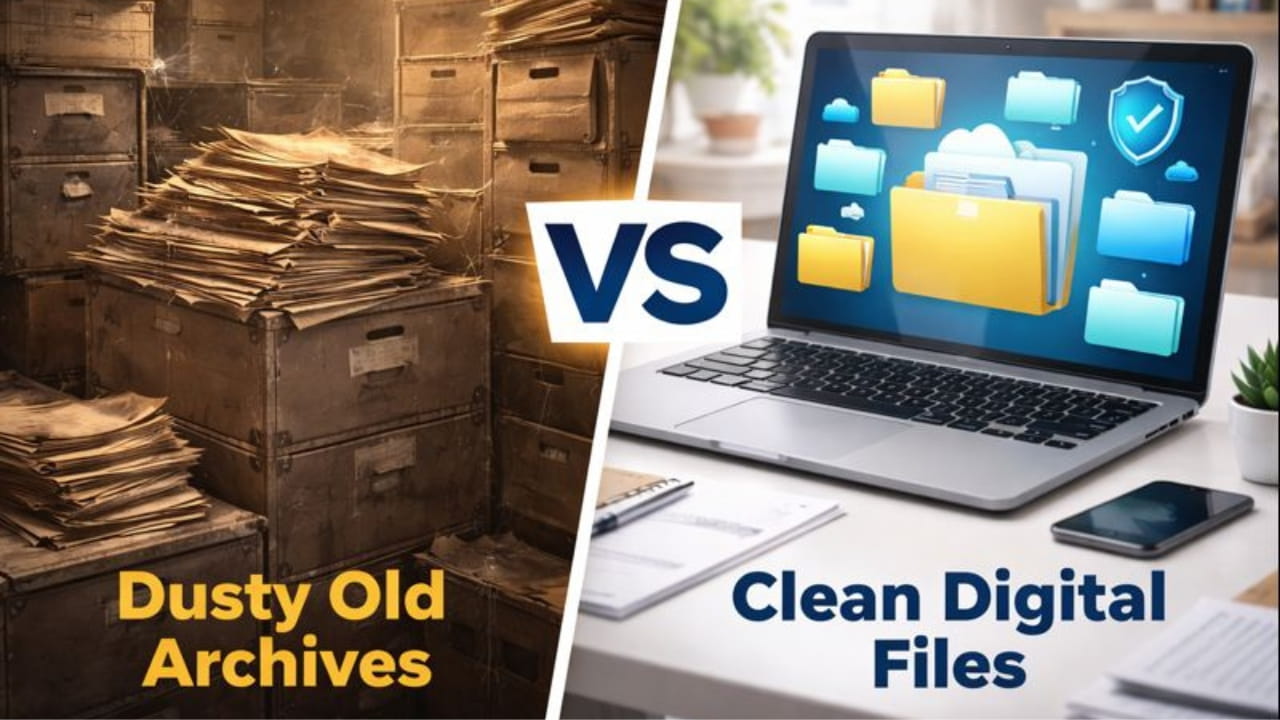
In real estate, speed kills... deals, if you don't have it. But speed without organization creates chaos. Imagine this scenario: You've finally found the perfect buyer for that colonial on Elm Street. You need to send over the disclosures, the inspection report, the signed offer, and the deed.
You open your email and attach 15 separate files. Some are PDFs from DocuSign, some are blurry JPEGs your client texted you of their driver's license, and one is a weird Word doc from a local contractor. You hit send.
Your client—who is likely viewing this on their iPhone while at work—receives a messy wall of attachments. They have to download them one by one, losing track of which file is which. The loan officer emails you back 20 minutes later asking for "Attachment #4" again because it wouldn't open. It looks unprofessional, it's frustrating, and it slows down the signing process at the exact moment you need momentum.
In 2026, the hallmark of a top-tier realtor isn't just sales skill; it's digital hygiene. Providing a single, clean, navigable PDF packet doesn't just look better—it reduces friction and gets you to the closing table faster.
At NanoZipt, we understand that realtors are always on the go. That's why we've built a suite of tools designed to turn your chaotic downloads folder into a streamlined deal-closing machine. Here is your comprehensive guide to becoming a truly paperless realtor.
The "One-Packet" Rule
The golden rule of digital document management is simple: One Transaction, One File.
Instead of sending "Deed.pdf", "Floorplan.jpg", and "Contract_Signed.pdf" separately, you should be sending a single file named "123_Elm_Street_Closing_Packet.pdf". This ensures that:
- Nothing Gets Lost: The client can't accidentally delete the lead paint disclosure if it's permanently attached to the contract. It creates a single source of truth.
- Mobile Friendly: Clients viewing emails on phones can scroll through one document seamlessly instead of opening and closing 20 windows.
- Professionalism: It shows you are organized and in control of the details. It builds confidence with lenders and title companies.

Step 1: Taming the Scans (JPG to PDF)
We all have that client. You ask for a copy of their ID or a utility bill, and they text you a photo taken on their kitchen table with a shadow of their hand over the text. Or perhaps a contractor texts you a photo of an invoice.
You cannot merge a JPG image directly into a PDF contract without converting it first. Sending raw JPEGs is the fastest way to look unprofessional.
The Fix: Use our Image to PDF Converter. Drag those messy phone photos into the tool. It will instantly convert them into standard A4 or Letter-sized PDF pages. Now they are ready to be combined with the rest of your professional documents.
Step 2: The Art of Assembly (Merging)
Now you have your contract (from DocuSign), your inspection report (from the inspector), and the client's ID (which you just converted). They are sitting in your downloads folder like a puzzle. Sending them individually invites error.
The Fix: Open the PDF Merger Tool. Select all the files.
Pro Tip: Order matters. A logical flow for a real estate packet usually looks like this:
- Summary Cover Sheet: A quick intro page detailing what follows.
- Primary Contract: The Purchase & Sale Agreement. This is the meat of the deal.
- Disclosures: Lead paint, seller's disclosure, HOA documents.
- Supporting Docs: Deeds, surveys, floor plans, warranties.
- Client Info: IDs and proof of funds (keep these last for security/redaction purposes if needed).
Step 3: Curb Appeal for Documents (Organizing)
You merged the files, but wait—the scanner scanned the deed upside down. And there are three blank pages in the middle of the inspection report. Sending this out looks sloppy. It's like showing a house with dirty dishes in the sink.
The Fix: Use the PDF Organizer. This visual editor lets you see thumbnails of every page.
- Rotate: Click the rotate icon to fix that upside-down deed.
- Delete: Remove those blank pages or the "This page intentionally left blank" fillers that bloat the file.
- Reorder: Drag and drop pages to ensure the signature page isn't buried in the middle of the appendix.
Step 4: The Handover (Compression & Security)
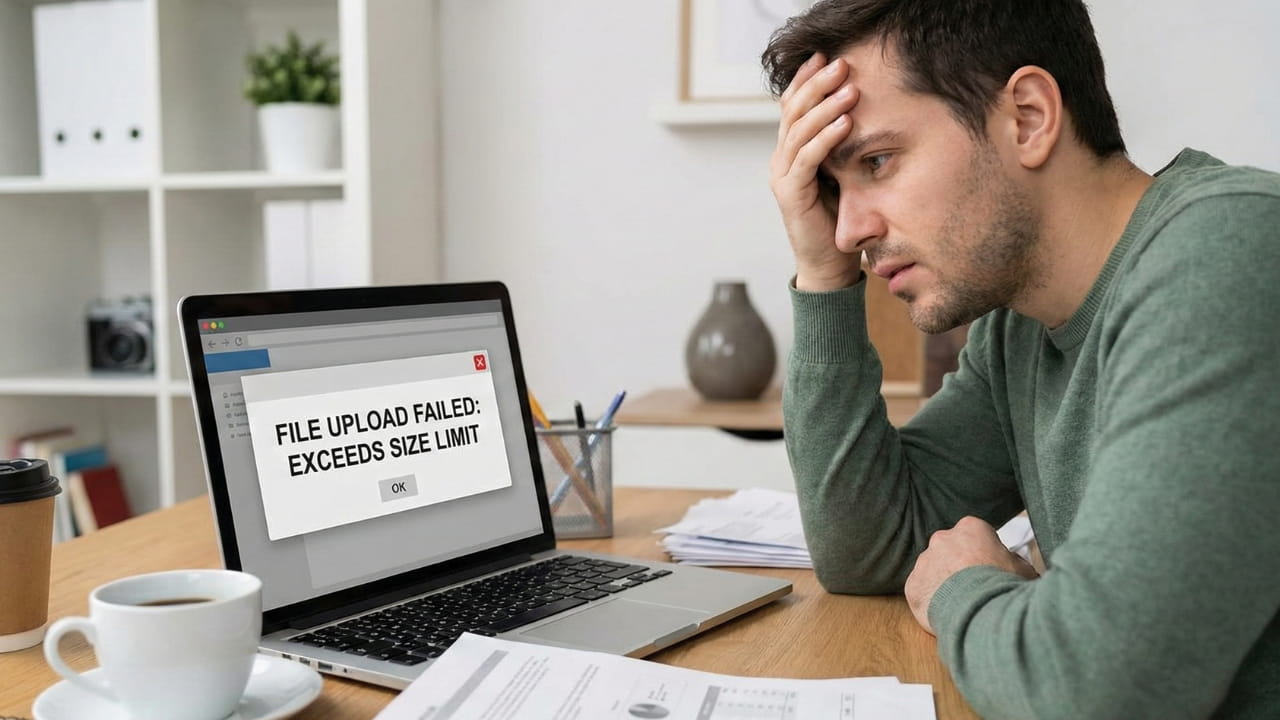
You've created the perfect packet. But it's 45MB because of the high-res photos in the inspection report. Gmail rejects it. Your client can't open it on 4G.
The Fix: Run it through the PDF Compressor. Use the "Recommended" setting to shrink it down to under 10MB without making the fine print unreadable.
Security Check: Does this packet contain Social Security Numbers or bank account info? If so, never email it "naked." Use a trusted external tool like iLovePDF's Password Protector to encrypt the file with a password (like the property zip code) before sending. This simple step protects you from liability and shows your client you take their privacy seriously.
Compliance & Audit Trails
In real estate, documentation isn't just about closing the deal; it's about staying legal. Brokerages are required to keep audit trails for years.
By standardizing your files into single, organized PDFs, you make the life of your broker's compliance officer much easier. A "One-Packet" file is less likely to be missing pages or signatures than a scattershot of 15 attachments. Furthermore, keeping a standardized digital archive (e.g., "123 Elm St - FINAL PACKET.pdf") makes it trivial to retrieve documents if a dispute arises 3 years later.
Why NanoZipt is Safe for Realtors
Real estate documents contain highly sensitive PII (Personally Identifiable Information). NanoZipt uses Client-Side Processing. This means the deeds and contracts never leave your computer. We process them in your browser memory, ensuring you don't violate client confidentiality by uploading data to a random server.
Case Study: "The Weekend Closing"
Meet James, an agent in Austin. It was 6 PM on a Friday. A cash buyer wanted to submit an offer on a hot property, but they were driving to a cabin with spotty reception. They texted James photos of the signed counter-offer and their proof of funds bank statement.
The listing agent had a strict deadline of 7 PM. James didn't have time to drive to the office scanner.
Using just his iPad and NanoZipt, James executed the following workflow in under 8 minutes:
- Converted the text photos of the contract to PDF using NanoZipt (2 minutes).
- Merged them with the original offer PDF to create a seamless history (1 minute).
- Used the PDF Organizer to rotate the bank statement photo which was sideways (1 minute).
- Compressed the file from 18MB to 4MB to send via cellular data (30 seconds).
- Emailed the complete packet at 6:45 PM.
The offer was accepted. James earned his commission because his digital toolkit was ready for the chaos of the real world.
Conclusion: Professionalism is in the Details
In a competitive market, you are judged by how easy you are to work with. If you are the agent who sends clean, organized, secure, and easy-to-open files, other agents (and title companies) will love working with you.
Stop fighting with your scanner. Stop apologizing for "messy emails." Use the right tools to curate your paperwork with the same care you curate your open houses. Your digital curb appeal matters just as much as the physical one.